start here
Getting Started for Parents
Download the right app, sign in, and enjoy your child’s nursery updates — it’s that simple.
stay close to every little moment ↗
Download the PINK App
Make sure you download Wabbit For Parents (pink icon), not Wabbit For Instructors.
Which App Do I Download?
Make sure you download the correct app
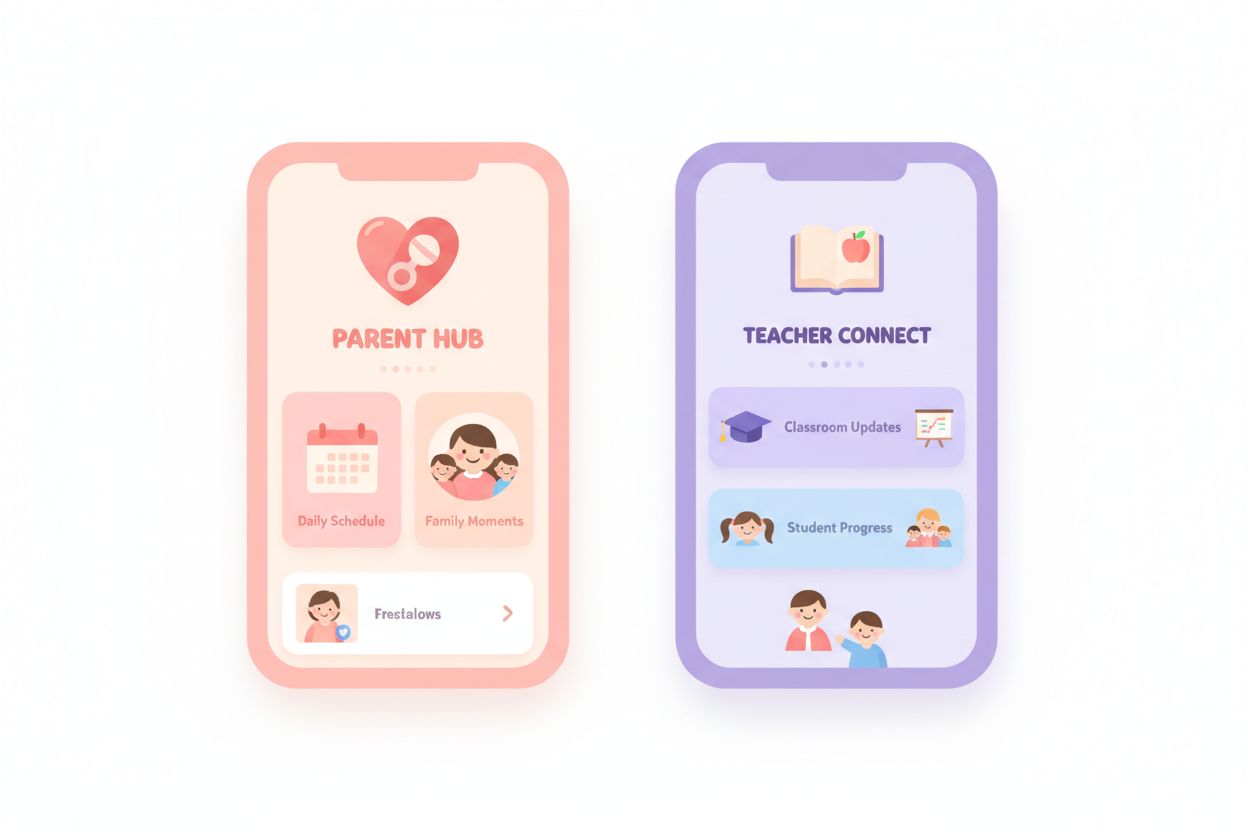
Wabbit For Parents
This is the one you need!
Wabbit For Instructors
For teachers only
take it step by step
Step by Step
Follow these steps to get started
Download the App
Get the Wabbit For Parents app from the App Store or Google Play.
- Look for the PINK Wabbit icon
- Do NOT download the purple Wabbit For Instructors app
- It's free to download
Sign In
Use the same email address you gave to the nursery.
- Enter your email and create a password
- Check your inbox for a verification email
- The email must match what the nursery has
Child Automatically Linked
Once signed in, your child will appear in the app.
- Your child's profile shows automatically
- If not, contact your nursery to check the email
- No codes or invites needed
View Updates & Memories
Stay connected with what happens at nursery every day.
- See photos and memories
- View attendance and daily updates
- Get notified of important news
Child not showing up?
If your child does not appear in the app, contact your nursery and make sure the email you used matches the one given to the school. The emails must be exactly the same.
💡 Use the SAME email you gave to the nursery when signing up. This is how your child gets linked to your account.
take it step by step
Ready to Start?
Download Wabbit For Parents now