start here
Daily Teacher Guide
Everything you need to use Wabbit throughout the nursery day — simple, quick, and all in one place.
a calmer day for your whole classroom ↗

take it step by step
What You Can Do
Your daily tools in Wabbit
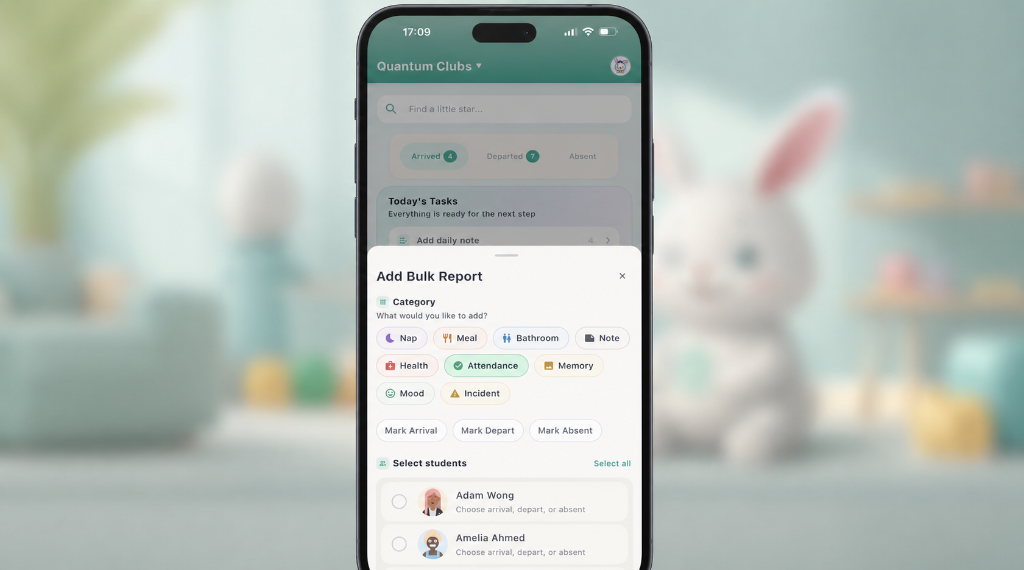
Attendance
Mark who's in each morning. Either use the + button to bulk mark the attendance, swipe one child to access the attendance button or simply tap on a child profile to access the attendance action.
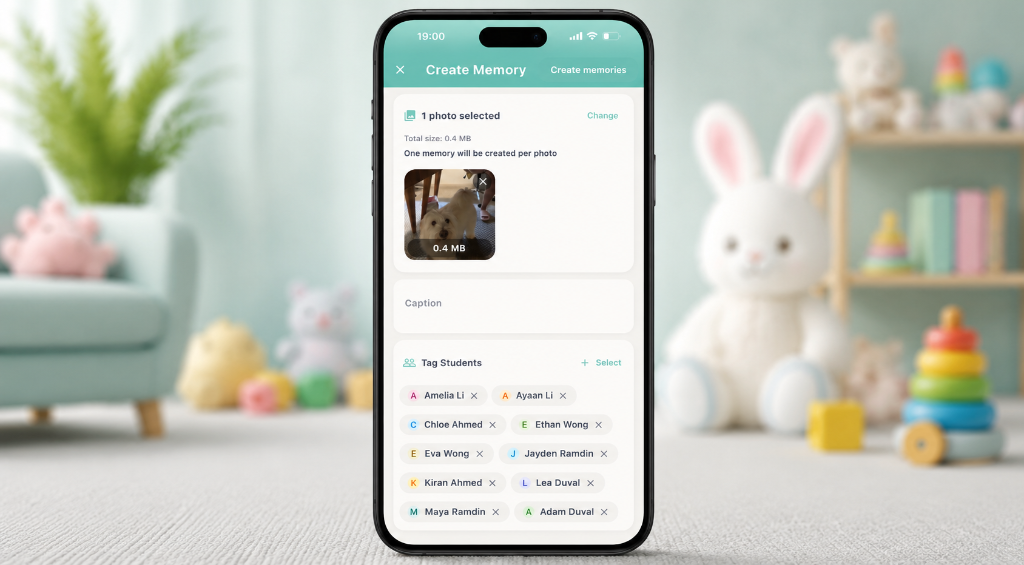
Memories
Capture special moments and share them with parents instantly. Tap on the camera button in the app to get started.
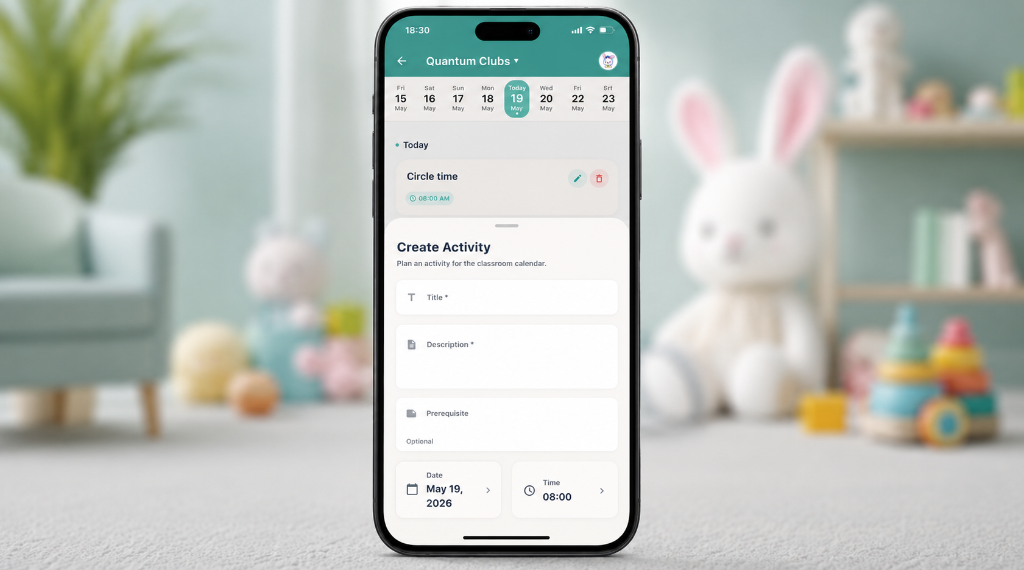
Activities
Log what the children did today, arts, play, learning, and more. To do that tap on the more button in the tab bar then tap on activities to create activities.
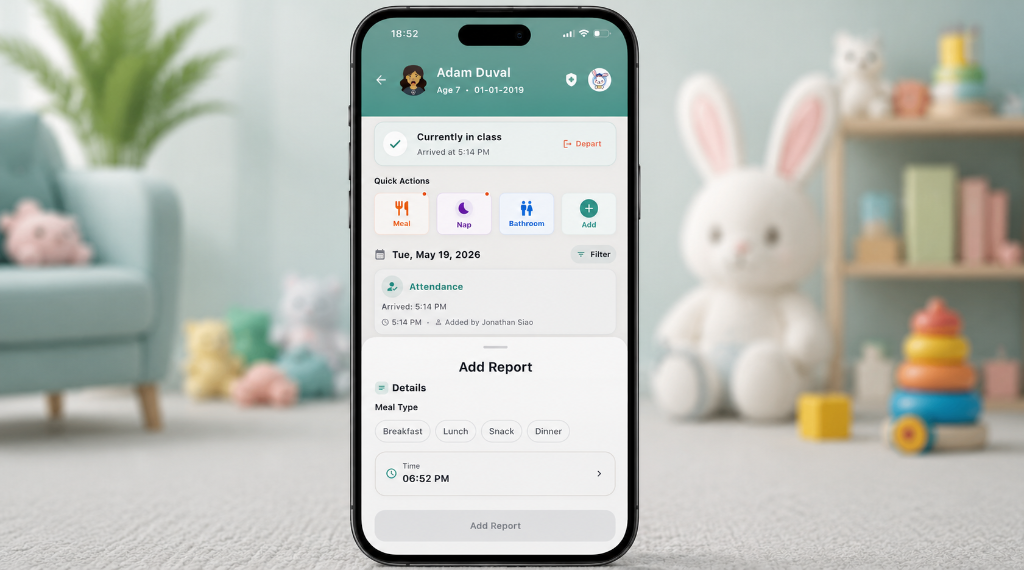
Meals
Record what each child ate and how much. To record a meal tap on the bulk + action or open a child profile and tap on the meal button.
Incident Reports
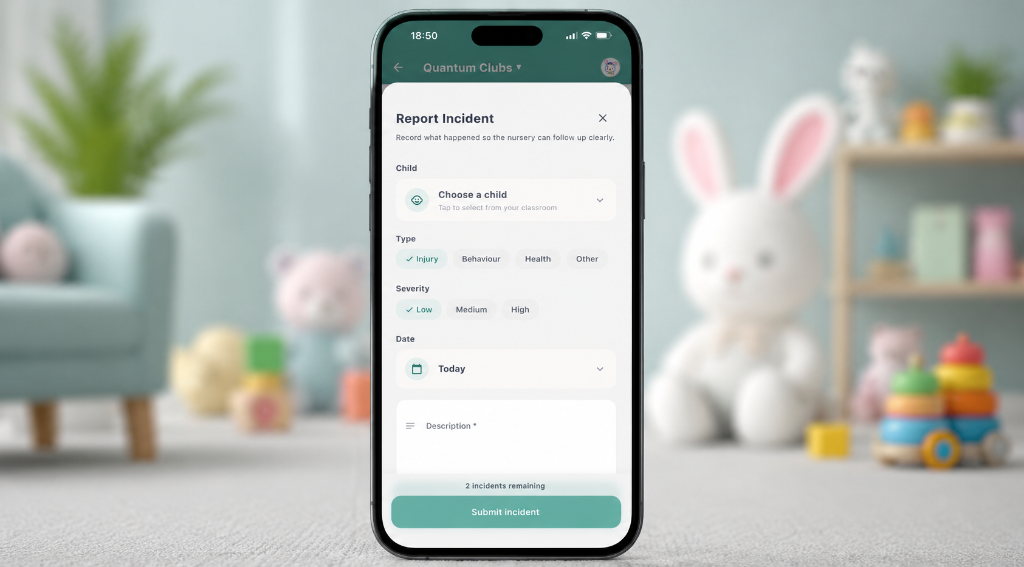
To report any incidents so parents are informed right away, tap on the more button then go to the incident section and enter the details there.
take it step by step
Recommended Daily Workflow
Follow this simple routine each day
Attendance
Mark children as they arrive. Don't forget late arrivals!
Activities & Meals
Log today's activities and what the children ate for lunch.
Memories
Snap and share photos of the day's highlights.
Departure Updates
Mark departures and add any final notes for parents.
take it step by step
Quick Walkthroughs
Step-by-step animated guides
Download the Purple App
Make sure you download Wabbit For Instructors (purple icon), not Wabbit For Parents.